
Pussy888 compatibility depends on the app version, installation method, and iPhone or iPad model. Current listings commonly state support from iOS 12 onward, but users should verify the version shown on the platform’s official download page before installing.
See the Pussy888 for the verified links.
The files themselves are on the download page.
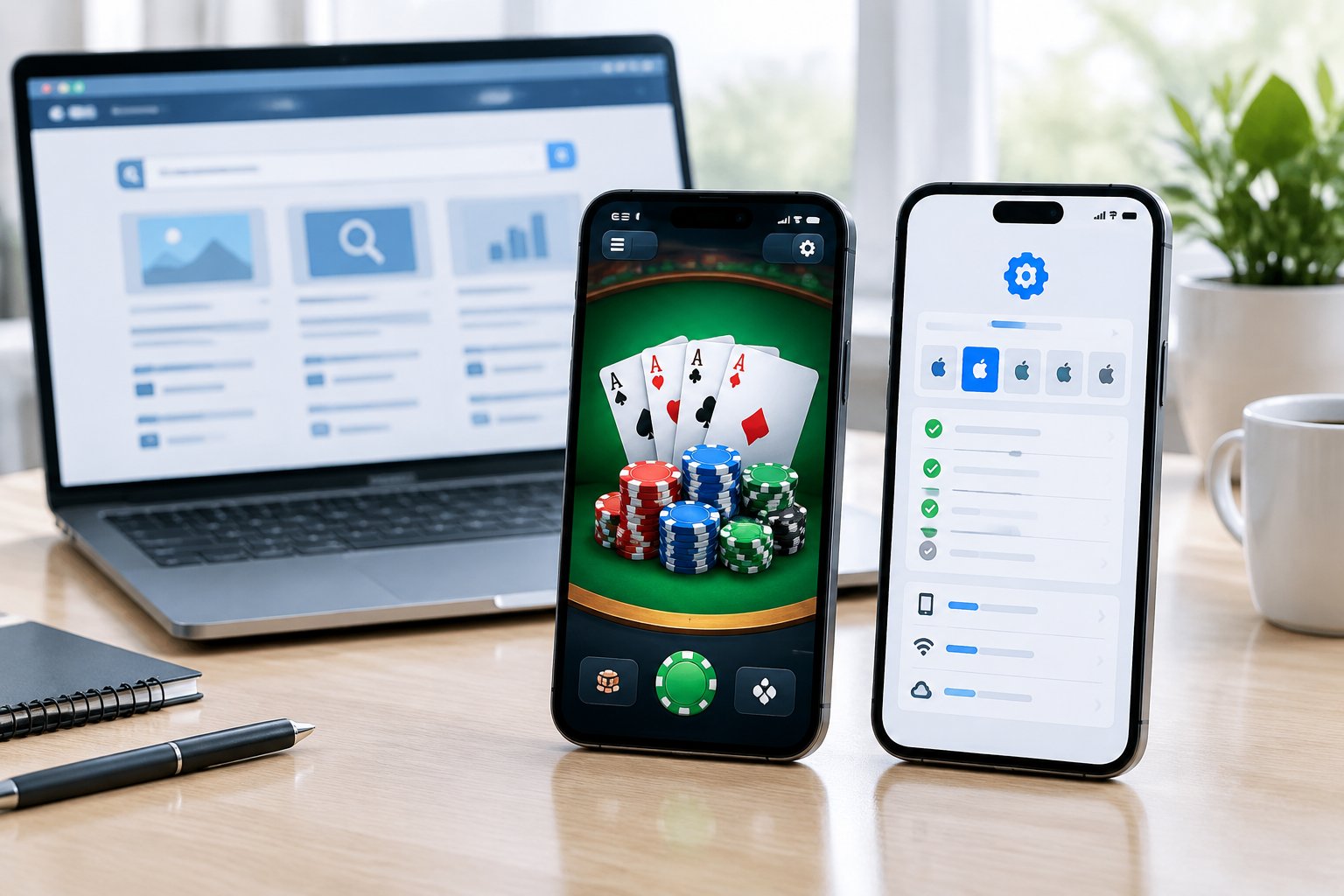
Checking the device’s iOS version can quickly reveal potential compatibility issues. This guide also covers safer installation practices, iOS updates, access problems, performance checks, and account protection.
iOS Compatibility Overview
Pussy888’s iOS compatibility depends on the platform’s current installation method and the device’s operating-system version. Users should verify the provider’s requirements because the available search results don’t identify a confirmed minimum iOS version.
Supported iPhone And iPad Generations
No reliable source in the provided results lists specific iPhone or iPad generations that officially support Pussy888. Claims that the service works across “all” iOS versions shouldn’t be treated as verified, especially since Apple regularly changes app, browser, and security requirements.
Users should check these points before installation:
- iPhone or iPad model: Confirm that Apple still supports the device with security updates.
- Current iOS or iPadOS release: Open Settings > General > Software Update and install any available update.
- Installation method: A web-based service, App Store app, or developer-distributed package can have different compatibility limits.
- Device storage: Keep enough free space for installation files, browser data, and future updates.
Search results mention iPhone and iPad access but don’t provide an authoritative model-by-model compatibility table. Users should rely on the platform’s official support information instead of third-party download pages.
Minimum System Requirements
The minimum iOS requirement remains unconfirmed in the available information. Some search results recommend updating iOS when download problems occur, but they don’t establish a specific version such as iOS 15, iOS 16, or a later release.
For the best chance of reliable access, the device should use the latest iOS or iPadOS version available for its model, run a current Safari browser, and maintain a stable internet connection. Users should also enable JavaScript and allow necessary browser permissions if the service uses a web app.
They should avoid unofficial configuration profiles or unknown installation files. Before entering account or payment details, users should confirm the platform’s domain, review Apple’s security warnings, and check the provider’s current requirements.
How To Check Your iOS Version
An iPhone’s iOS version appears in the Settings app, while its model information helps confirm device compatibility. Users should check both details before assessing whether an app such as Pussy888 supports their device.
Finding Software Information In Settings
The user can open Settings, select General, and tap About. The installed version appears beside iOS Version or Software Version, such as iOS 18.6.2. This exact number matters because some apps require a specific minimum version.
The About page also displays the device name, capacity, serial number, and other technical details. If the user needs a newer version, they can open Settings > General > Software Update to check for available updates. The iPhone needs sufficient storage, battery power, and an internet connection before it installs an update.
Identifying Your Device Model
The user can identify the iPhone model from Settings > General > About. The Model Name field lists the device, such as iPhone 13 or iPhone SE (3rd generation). The Model Number provides a more specific identifier if an app or support page requires it.
Tapping the model number may switch between an abbreviated part number and an identifier beginning with “A.” Users can also compare the model name and iOS version with the app’s published requirements. This check helps distinguish operating-system limitations from hardware or regional availability restrictions.
Installing The App Safely
iPhone and iPad users should obtain Pussy888 only from a verifiable, authorized source and confirm that the app supports their installed iOS version. Apple’s security prompts, developer profiles, permissions, and certificate status all require careful checking before installation.
Official Download Sources
The safest option is an official App Store listing published by a verified developer. Users should check the developer name, app description, update history, ratings, privacy information, and required permissions before selecting Get. Search results alone don’t prove that an app is legitimate.
If no official App Store listing exists, users should avoid unofficial IPA files, modified applications, and download links promoted through pop-ups or unsolicited messages. A website claiming to offer an “official” installer doesn’t establish authenticity. Users should verify the link through Pussy888’s established customer-support channel and review Apple’s security warnings before proceeding.
They should also avoid entering Apple ID credentials into third-party webpages. If the service isn’t available in their country or region, they shouldn’t bypass Apple’s controls with unknown profiles or unauthorized installation tools.
Profile And Certificate Considerations
Some iOS installations use a configuration profile or an enterprise certificate rather than the App Store. These methods carry additional risk because Apple can revoke certificates, disable the application, or block the profile. A profile can also change device settings or request access that the app doesn’t need.
Before trusting a profile, users should inspect it under Settings > General > VPN & Device Management. They should confirm the listed organization, avoid profiles from unknown companies, and reject any installation that requests excessive permissions. Apple ID passwords, payment details, and authentication codes should never go to the profile provider.
If iOS displays an untrusted-developer warning, the user should stop and verify the source instead of overriding the warning automatically. Removing an unfamiliar profile and deleting its associated app reduces exposure to unauthorized software.
Updating iOS For Better Compatibility
Keeping iOS current can improve browser performance, security, and compatibility with services such as Pussy888. Users should confirm device support, protect their data, and make sure they have enough free storage before starting an update.
Preparing Before An iOS Update
The user should check the iPhone model and its current software version before updating. Apple lists compatible models under Settings > General > Software Update. The available update depends on the device, and older iPhones may not support the newest iOS release or every new feature.
A stable Wi-Fi connection and sufficient battery power reduce the risk of interruption. Apple recommends connecting the iPhone to a charger during installation, especially for larger updates. The user should also close active game or browser sessions and record important login details if the service uses two-factor authentication.
If Pussy888 runs through Safari or another browser, the user should update that browser through iOS when an update includes browser improvements. After installation, the user can reopen the site, sign in, and check whether the browser displays pages and interactive content correctly.
Managing Storage And Backup Requirements
The iPhone needs available storage to download and install an iOS update. The user can check capacity under Settings > General > iPhone Storage and remove unused apps, duplicate photos, or downloaded media. Apple’s storage recommendations may change with the update size.
A recent backup protects photos, settings, and app data if the installation fails or the user needs to restore the device. The user can enable iCloud Backup under Settings > [name] > iCloud > iCloud Backup > Back Up Now. A computer backup through Finder or iTunes provides another option.
The user should avoid deleting a browser solely to free space unless they’ve backed up saved data. Clearing Safari website data can remove active sessions, so stored credentials and authentication methods should remain accessible before cleanup.
Troubleshooting Access And Performance
Access problems usually result from unsupported iOS releases, untrusted installation profiles, expired certificates, or unstable network connections. Users should verify device compatibility, remove outdated app files, and avoid unofficial links that request unnecessary permissions or personal information.
Resolving Installation Errors
Pussy888 may not install through the App Store and may instead rely on a downloaded package or an enterprise profile. iOS can block that profile when it’s untrusted, revoked, or expired. Users should check Settings > General > VPN & Device Management and review the developer profile only if they obtained the app from a legitimate, trusted source.
If iOS displays a security warning, the user shouldn’t bypass it blindly. They should confirm the download source, check the publisher identity, and avoid entering Apple ID credentials into third-party pages. Deleting an incomplete installation, restarting the device, and downloading a current version can resolve corrupted-package errors.
Compatibility claims vary by provider, so users should verify the required iOS version before installation. They should keep iOS updated when the service supports the release, though an update can also invalidate older profiles or app packages.
Addressing Launch And Connection Issues
When the app closes immediately, displays a black screen, or fails at login, the user should force-close it, restart the device, and install available app updates. Sufficient free storage and a stable system connection can also improve startup performance. Clearing website data may help if access occurs through Safari rather than a standalone app.
For connection errors, the user should test both Wi-Fi and mobile data, disable a conflicting VPN or proxy, and confirm that iOS allows cellular data for the relevant app. Incorrect device date and time settings can interfere with certificate validation, so Set Automatically should remain enabled under Settings > General > Date & Time.
Users should never share passwords, one-time codes, or payment details with support contacts. A persistent “untrusted” or “expired” message usually requires the provider to issue a valid package or certificate; repeatedly reinstalling the same blocked file won’t fix it.
Device Security And Account Protection
An iPhone’s iOS version affects app compatibility and security support. Users should keep the device updated through Settings > General > Software Update, review permissions regularly, and protect their gaming account with unique login details and multi-factor authentication when available.
Reviewing App Permissions
Before installing or using Pussy888, the user should download the app only from a trusted, official source. If the service operates through a browser, the user should avoid installing configuration profiles, unknown certificates, or unofficial companion apps.
On the iPhone, permissions can be reviewed under Settings > Privacy & Security. The user should check access to:
- Location
- Photos
- Camera
- Microphone
- Contacts
- Tracking
The user should disable any permission that the service doesn’t need. A casino website normally shouldn’t require access to contacts, the full photo library, or continuous location data. Safari website permissions can also be managed through Settings > Apps > Safari, including camera, microphone, location, and pop-up settings.
The user should review these settings after an iOS update or app change. They should also remove any unfamiliar app and check whether it installed a profile under Settings > General > VPN & Device Management.
Using Secure Login Practices
Create a unique password for the Pussy888 account, and don’t reuse it for email, banking, or social media. An Apple device can generate and store a strong password through iCloud Keychain, which helps reduce the risk of password reuse.
If Pussy888 offers two-factor authentication, enable it and protect the recovery email account with a separate strong password. Never share one-time verification codes, passwords, or recovery links with anyone else. Messages that demand urgent payment or login details could be phishing attempts, so treat them carefully.
Access the account through the correct website address, and avoid login links sent through unsolicited messages. After using a shared device, sign out and don’t save your credentials in a public browser. Keeping iOS updated also helps maintain current security protections against web-based attacks.
You may also need Pussy888 iOS Trust Certificate Settings: Complete Step-by-St.